Google Pixel Watch 3 Review: Bigger Screen, Battery

Google Pixel Watch 3 Review

It had been quite a while since I first reviewed the original Google Pixel Watch and I ended up using that watch daily for much longer than I expected. It was one of those devices that once you got used to having it, it became hard to go without it.

Since then Google has had a couple more generations to refine the experience and I recently upgraded to the Google Pixel Watch 3. I’ve now been using it for several months and this will be a long-term usage review much like my original review.

The short version is that Google fixed nearly every complaint I had with the original watch. The battery life is dramatically better and the larger 45mm size is a huge upgrade.

In this review I’ll cover the good, the bad and the ugly about the Google Pixel Watch 3.

Let’s begin!

Google Pixel Watch 3 Review: Bigger Screen, Battery Read More »

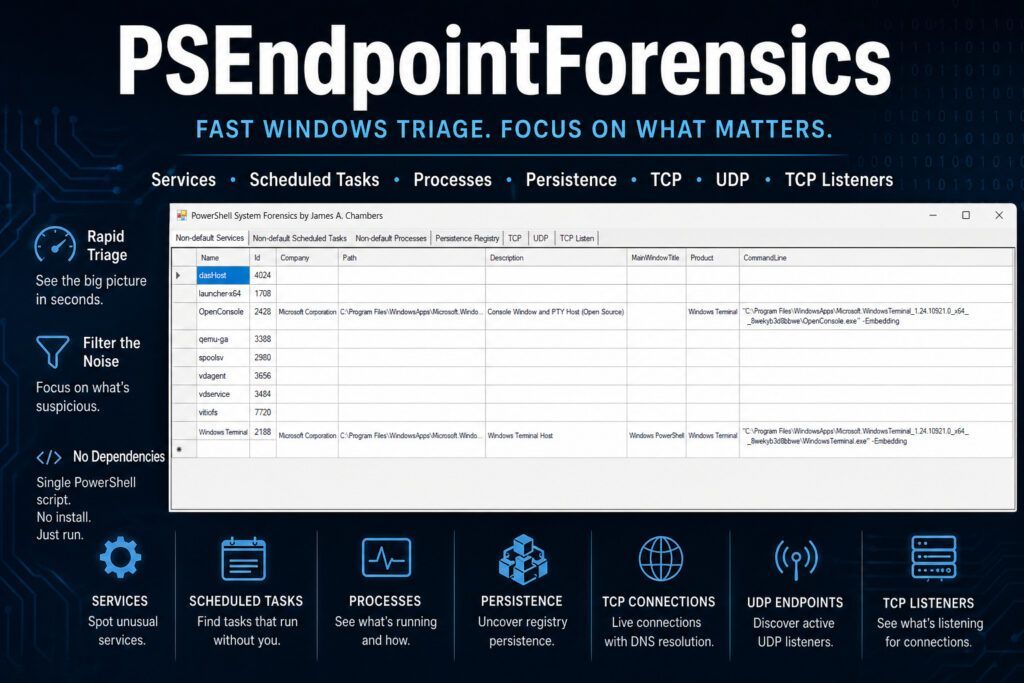
PSEndpointForensics: Fast Windows Triage Without the Noise

PSEndpointForensics: Fast Windows Triage Without the Noise

When you’re investigating a potentially compromised Windows endpoint, the last thing you need is another tool that dumps endless raw output into a console window and calls it “forensics.”

You need the suspicious service that shouldn’t be there. The scheduled task that doesn’t belong. The odd TCP listener waiting for connections. The registry persistence key that explains why malware keeps coming back.

Most importantly, you need all of it in one place.

That’s exactly why I built PSEndpointForensics.

PSEndpointForensics: Fast Windows Triage Without the Noise Read More »

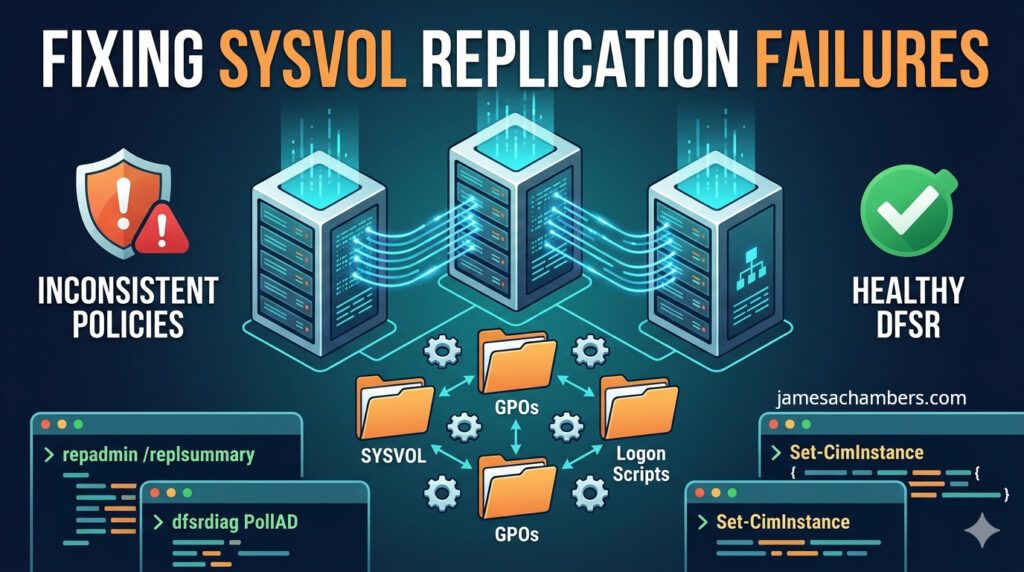
Fixing SYSVOL DFS Replication Failures – A Quick Reference Guide

Fixing SYSVOL Replication Failures

SYSVOL replication failures are one of the domain controller problems that keep IT teams up at night. When SYSVOL stops replicating correctly, Group Policy Objects (GPOs) stop updating, logon scripts fall out of sync, and domain controllers begin serving inconsistent policy data.

It’s important to separate this from Active Directory replication issues:

AD replication (NTDS) handles users, groups, password changes, and directory objects

DFSR (Distributed File System Replication) handles SYSVOL contents like GPO files and scripts

If passwords aren’t replicating, that’s an AD replication problem. If GPOs aren’t applying consistently, that’s usually a SYSVOL/DFSR problem.

This guide focuses on the most common DFS Replication failure scenarios and the safest ways to fix them.

Fixing SYSVOL DFS Replication Failures – A Quick Reference Guide Read More »

EGO ST1623T Review: Smartest String Trimmer You Can Buy?

One day I was wrestling with my old trimmer having to manually wind the spool. Most of the time I would end up winding it backwards somehow even though every time I tried to reverse it (from what I thought it should be) so it wouldn’t be backwards and it would anyway every single time. That’s when I decided to try something different.

If you’ve ever wrestled with tangled trimmer line or struggled to reload a spool, the EGO ST1623T might feel like a game-changer. Built with innovative “LINE IQ” auto-feed technology and the brand’s signature “POWERLOAD” system, this cordless trimmer is designed to eliminate some of the most frustrating parts of yard work.

It’s powerful, efficient, and packed with smart features. However, like any tool, it has a few quirks worth mentioning.

EGO ST1623T Review: Smartest String Trimmer You Can Buy? Read More »

Tracking User Lock, Unlock, and Sleep Events with PowerShell

Auditing External File Sharing in Microsoft 365 with PowerShell

A user reports their workstation keeps going to sleep “on its own.” Or someone claims they never left their desk, yet the session clearly disconnected. Answering these questions means digging through the Windows event log and correlating events across Security and System logs into one timeline.

This script pulls seven distinct event IDs from two different logs, merges them chronologically, and outputs a readable sequence of what happened and when.

Tracking User Lock, Unlock, and Sleep Events with PowerShell Read More »

Command and Conquer Red Alert Remastered Review – A Nostalgic Return Done Right

Command and Conquer Red Alert Remastered Review

Command & Conquer: Red Alert was one of the earliest computer games I ever played.

That alone probably tells you a lot about how I feel going into this review.

The remastered version gave me a chance to go back and experience it again (not through fuzzy childhood memories, but as it actually exists today). The surprising part is just how much of it still holds up… and how much of it absolutely doesn’t.

Let’s get into it!

Command and Conquer Red Alert Remastered Review – A Nostalgic Return Done Right Read More »

Google Pixel Buds Pro 2 Review – A Worthy Upgrade

Google Pixel Buds Pro 2 Review

I’ve been using the Google Pixel Buds Pro 2 for a little while now after spending a long time with both the original Pixel Buds and the first Pixel Buds Pro series. Since I already reviewed the original Pro series, I wanted to specifically talk about what has improved with the second generation and whether it feels like a meaningful upgrade.

The short version is yes. It absolutely does.

Google didn’t completely reinvent the wheel here, which is probably a good thing because the first Pixel Buds Pro were already excellent. Instead, they focused on improving the small everyday details that actually matter when you use headphones constantly: comfort, charging speed, battery life, and little quality-of-life features that make the experience feel polished.

Let’s get started!

Google Pixel Buds Pro 2 Review – A Worthy Upgrade Read More »

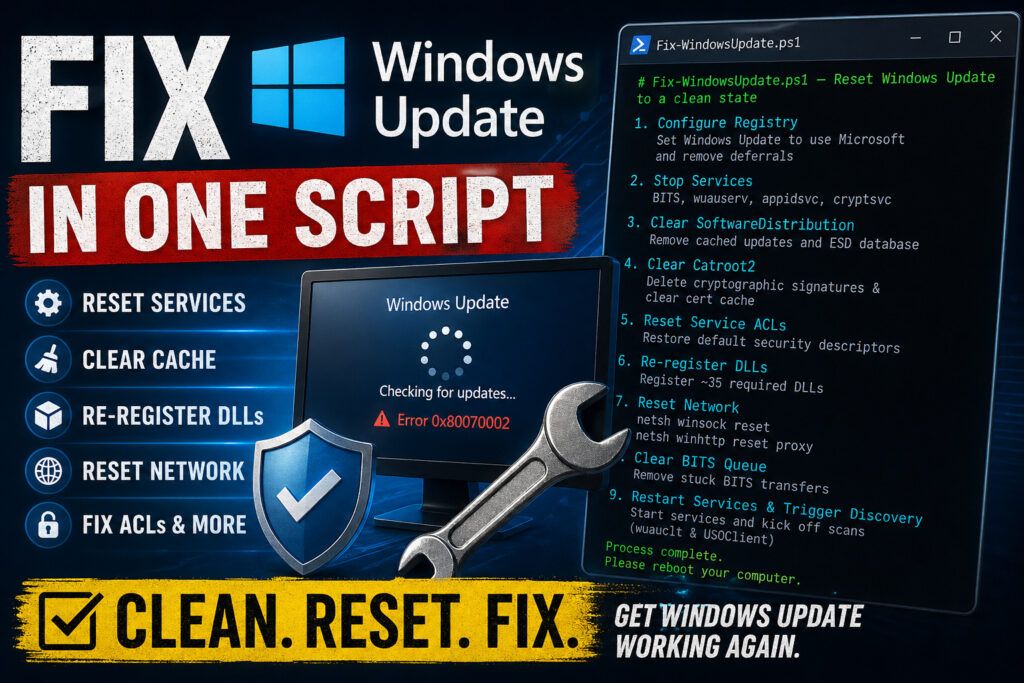
The Nuclear Option: A PowerShell Script to Reset Windows Update Completely

Fix Windows Update with PowerShell

Windows Update breaks. Everyone knows this. Stuck update loops, error codes that don’t make sense, a client machine that hasn’t successfully installed patches in months. Microsoft’s official KB article for fixing Windows Update is a wall of 30+ manual steps. You have to stop services, rename folders, reset security descriptors, register DLLs, and restart everything in the correct order.

I wrote a script that does all of it in one shot, and I’ve run it on hundreds of machines with consistent results. Here’s how it works and why each step matters.

The Nuclear Option: A PowerShell Script to Reset Windows Update Completely Read More »

EGO Power+ LM2156SP Review: A Powerful, Quiet (Mostly) Electric Mower

EGO Electric Lawn Mower Review

If you’re looking to ditch gas without sacrificing performance, the EGO LM2156SP self-propelled electric lawn mower is one of the most compelling options on the market today. With impressive torque, long battery life, and user-friendly features, it’s built for homeowners who want a premium mowing experience (without the fumes, maintenance, or noise of traditional gas mowers).

That said, no mower is perfect. While this one gets a lot right, there are a few quirks worth knowing about before you buy.

EGO Power+ LM2156SP Review: A Powerful, Quiet (Mostly) Electric Mower Read More »

How to Reset and Update a UniFi Cloud Key Gen1 (Complete Guide)

Unifi Cloud Key Gen1 Update Guide

If you manage older UniFi environments, you’ve probably run into a frustrating issue: legacy Cloud Key Gen1 devices that are too outdated to connect to the UniFi Portal. This can leave you completely blind when trying to manage a client’s network.

After working with many of these devices in production environments, here’s a practical, step-by-step guide to resetting and updating a UniFi Cloud Key Gen1 so it can be brought back into a manageable state.

How to Reset and Update a UniFi Cloud Key Gen1 (Complete Guide) Read More »

Using Ollama + Claude Code for Local Security Audits (No API Costs)

Claude Code with Ollama Qwen3.5 - 64k context window 27b parameters MoE model

I’ve been wanting to use AI to analyze my website, https://pibenchmarks.com, and uncover potential improvements (especially security issues) but without spending money on APIs or exposing my code to third-party services.

This post walks through how I set up a fully local workflow using Ollama + Claude Code, running on my RTX 3090, to scan an entire repository efficiently.

Using Ollama + Claude Code for Local Security Audits (No API Costs) Read More »

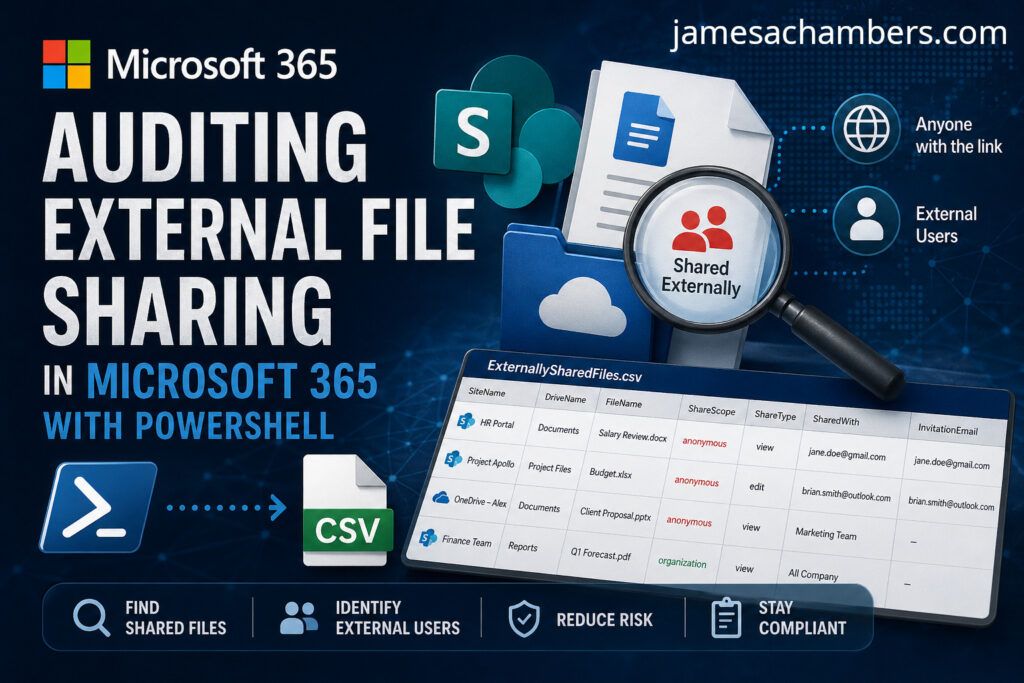
Auditing External File Sharing in Microsoft 365 with PowerShell

Auditing External File Sharing in Microsoft 365 with PowerShell

External sharing is a compliance nightmare. Your 365 tenant has dozens of SharePoint sites, each with document libraries, and files are shared via links or direct invitations. The SharePoint admin center shows you a high-level sharing policy per site, but it won’t tell you which specific files are shared externally or with whom.

I wrote a script that walks every site, every drive, and every file in your tenant using the Microsoft Graph API, then exports a CSV of every externally shared file with who it’s shared with.

Auditing External File Sharing in Microsoft 365 with PowerShell Read More »

Making a Core Keeper Fishing Bot Using AI (Grok 3)

Making a Core Keeper Fishing Bot with AI (Grok 3)

Despite the massive hype around AI I have always had a lot of trouble getting the AI to generate usable code. Even when I reply back and try to help the AI understand what it’s missing it often tends to actually get *worse* after my suggestions.

Even for this simple project ChatGPT and Gemini failed miserably to write a very simple fishing bot. They both hallucinated and tried using PowerShell modules that don’t exist. Trying to further refine my prompts only yielded *worse* results!

After hearing all the hype around Grok 3 I decided to give it a try at writing something very simple I wanted: something to simply click the mouse for me in Core Keeper in order to fish. To my surprise in “Think” mode Grok 3 was able to give me incredibly simple and effective code in one try. Wow!

Making a Core Keeper Fishing Bot Using AI (Grok 3) Read More »

Fastest Raspberry Pi 5 Storage Benchmark Results

Pi Benchmarks - 100,000 tests!

Pi Benchmarks has officially passed over 100,000 tests submitted! The site’s earliest tests started in early 2019 giving us over 5 years worth of real world testing by the single board computer (SBC) community across different boards.

Today we are going to cover the fastest combinations of hardware on the Raspberry Pi 5 to achieve the absolute highest storage scores and performance possible (and the top result *will* surprise you).

Let’s get started!

Fastest Raspberry Pi 5 Storage Benchmark Results Read More »

Radxa Rock 5B Steam Installation Guide for Armbian

Running Stardew Valley on Rock 5B

I recently went through the trouble of figuring out how to install Steam on the Orange Pi 5 and it worked really well. Now that I’ve already gone through the pain of figuring out how to do this I figured I might as well write one of these guides for the Radxa Rock 5B as well.

The new RK3588/RK3588S boards have much more power than we’ve typically had available to us in the past on ARM boards. With a whopping 8 CPU cores and a Mali 610 GPU the Orange Pi 5 is capable of running Steam using Box64/Box86. It’s even able to play basic games pretty well (with some tinkering usually).

In this guide I’ll show you how to set up Steam on the Radxa Rock 5B and run Stardew Valley on it. You should keep your expectations in line though because there is no native ARM client for Steam. We are using emulation and instruction translation. You will also likely be missing libraries for most games you try which will require some fiddling.

This guide is only for Armbian running the Ubuntu Jammy variant with the Gnome desktop installed (rolling support status). The official Radxa distributions will not have 3D support and I don’t care about whatever other flavor of Linux you are running either. I’m not going to install your preferred flavor of Linux and try to figure out how to do this on there nor am I interested in troubleshooting it. Please don’t ask.

With all of that being said let’s get started!

Radxa Rock 5B Steam Installation Guide for Armbian Read More »